Repair software for cameras and lenses.
Shutter count, sensor, autofocus, mounts and haze: a camera checklist, a sensor and lens service template, and the repair history of every body and lens.
No account, no card. Windows, Mac, Android, iPhone and iPad. Works offline.
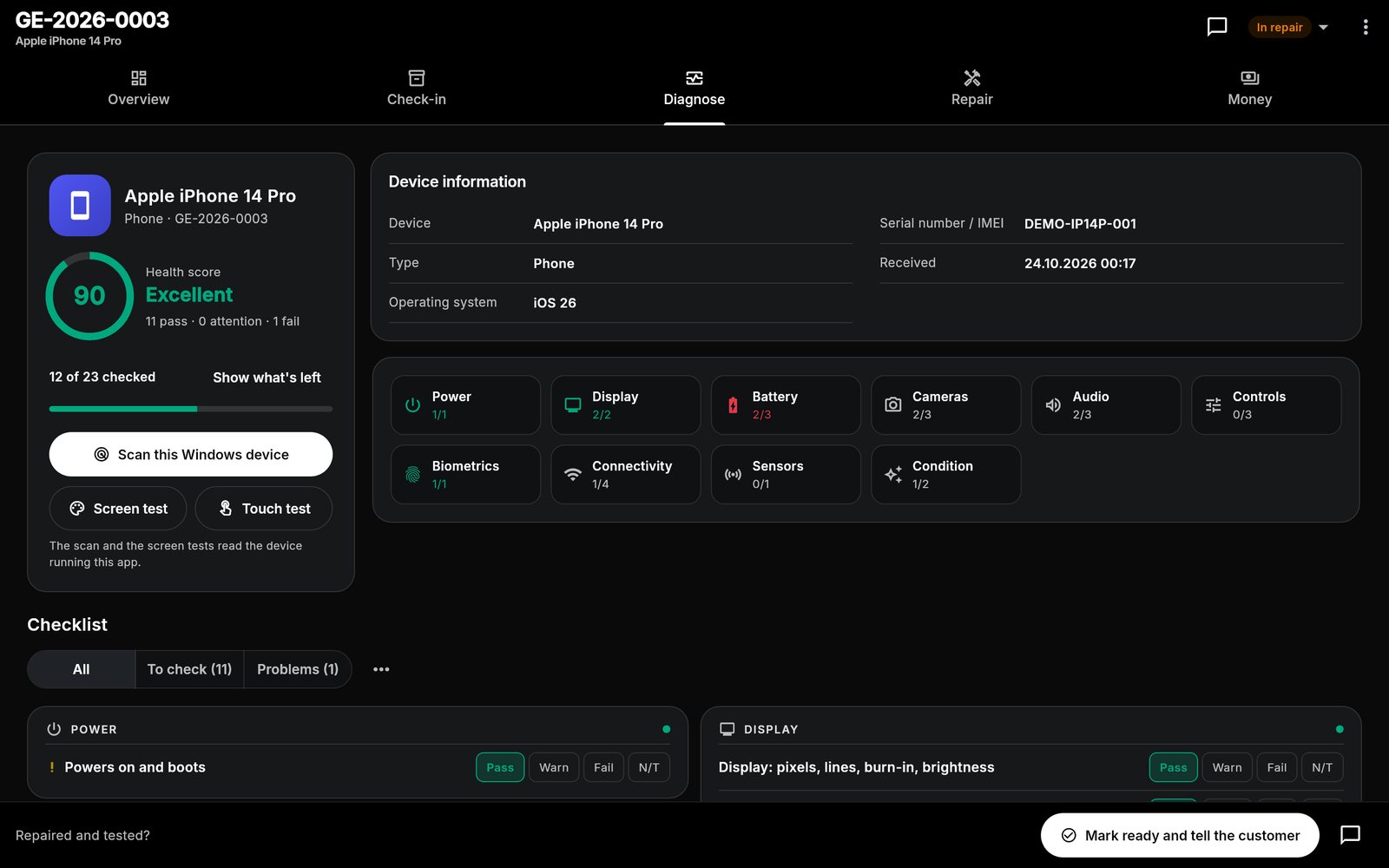
What's built in for cameras & lenses.
Camera checklist
Sensor pixels and dust, autofocus and stabilisation, shutter at all speeds, lens mount and aperture, rings and haze, screen, viewfinder and card slots.
Sensor and lens service
A template from recording shutter count and firmware to test shots at full resolution.
Bodies and lenses as devices
Register each body and lens with its serial number, so its repairs and warranty follow it.
Every cameras & lense job starts with the same checks.
This is the checklist the app adds to a new camera and lens job, word for word. Each item is pass, attention or fail, adds up to a health score from 0 to 100, and can carry a note or a measured value. Critical items cap the score when they fail.
Camera and lens checklist
- Powers on, battery recognisedcritical
- Sensor: dead or hot pixels, dust
- Autofocus and image stabilisation
- Shutter fires at all speeds (record count)
- Lens mount, contacts and aperture
- Zoom and focus rings, haze or fungus
- Rear screen and viewfinder
- Dials, buttons and card door
- Memory card slots read and write
- USB, HDMI, Wi-Fi
- Body, seals and rubber grips
Repair templates
Camera sensor and lens service
- Record shutter count and firmware
- Clean sensor and check for hot pixels
- Clean lens elements and contacts
- Check autofocus calibration
- Test all shutter speeds and apertures
- Test photos and video at full resolution
Battery replacement (camera, drone, scooter)
- Check charger and battery voltage
- Fit new battery pack or cells
- Balance and full charge
- Test runtime under load
Plus "Diagnostics only" and your own custom repairs. Steps can be edited, reordered and ticked off on the job.
One workflow from drop-off to pickup.
The same app runs the counter, the bench and the books. See how a job moves or look at more screens.
Cameras & lenses: good to know
Can I record the shutter count?
Can I add photos of sensor dust or haze?
Does it work with the counter for batteries and cards?
What does it cost?
Do my devices sync?
One app for every bench.
Each device type has its own checklist and templates. Most shops repair more than one.
Spend less time managing paperwork. Focus on the repair.
Bring your repair workflow into one organized workspace with Gadget Expert.
No account · No card · Windows, Mac, Android, iPhone and iPad