Repair software for turntables.
Speed, wow and flutter, tonearm, cartridge and grounding on one checklist, and a full turntable service template from bearing to play test.
No account, no card. Windows, Mac, Android, iPhone and iPad. Works offline.
What's built in for turntables.
Turntable checklist
Speed 33 and 45 within spec, speed stability, pitch, tonearm bearings and lift, tracking force, cartridge, stylus, both channels and hum.
Turntable service template
Bearing, belt or direct drive, pitch fader, speed set-up, tonearm, tracking force, anti-skate, stylus check and a play test.
Service manuals on the device
Save the service manual for a Technics or Pioneer model once and it shows on every unit of that model.
Every turntable job starts with the same checks.
This is the checklist the app adds to a new turntable job, word for word. Each item is pass, attention or fail, adds up to a health score from 0 to 100, and can carry a note or a measured value. Critical items cap the score when they fail.
Turntable checklist
- Powers on, platter startscritical
- Speed 33 / 45 within spec (record %)
- Wow and flutter / speed stability
- Pitch control and reset
- Tonearm bearings and lift
- Tracking force and anti-skate set
- Cartridge and stylus condition
- Left and right channel output
- Hum / grounding
- Phono cable and ground lead
- Dust cover, hinges and feet
- Platter mat, strobe and lights
Repair templates
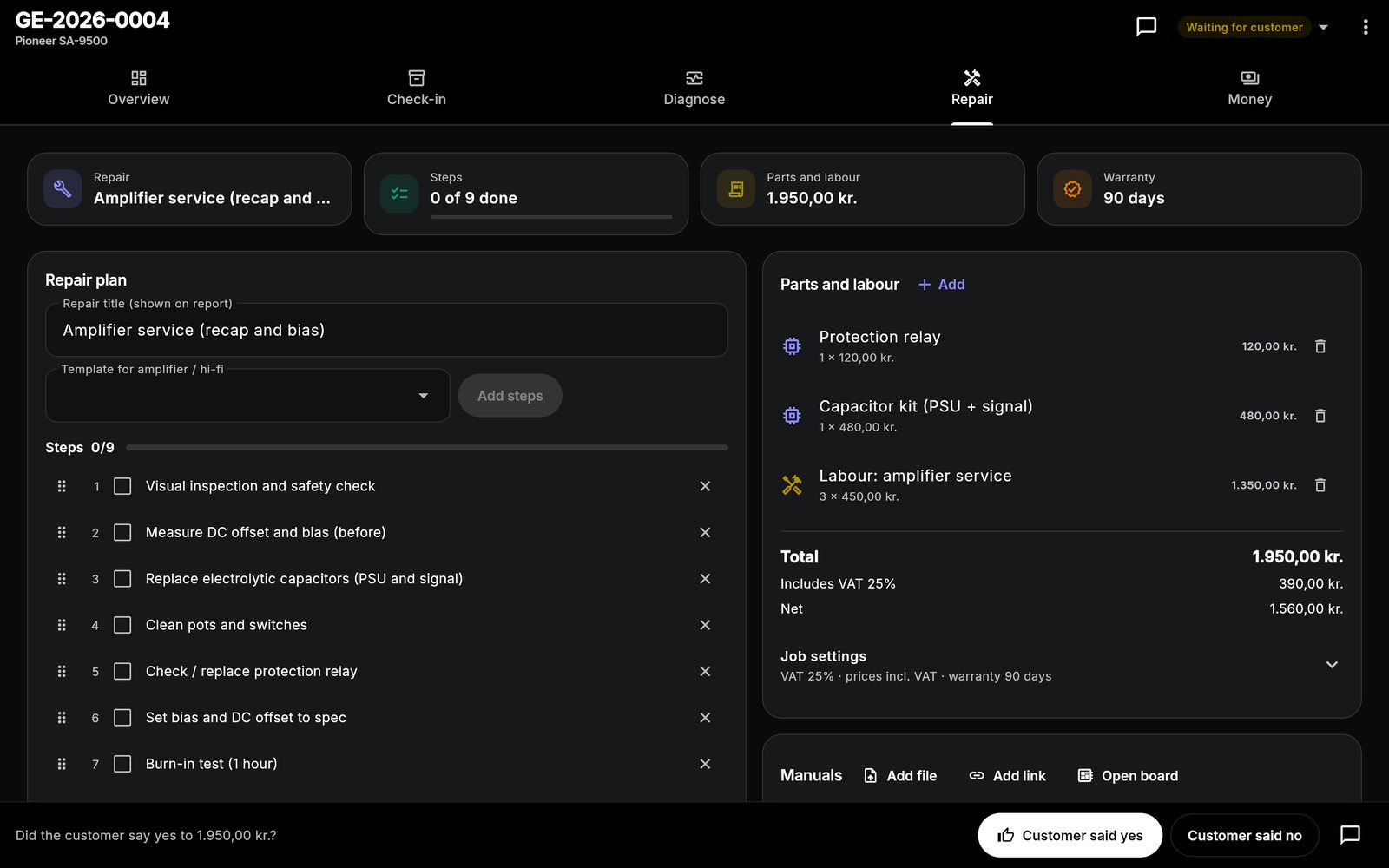
Turntable service
- Clean and lubricate main bearing
- Replace belt or service direct drive
- Clean pitch fader and switches
- Set speed 33 / 45 and pitch reset
- Service tonearm lift and bearings
- Set tracking force and anti-skate
- Check stylus, cartridge and ground
- Play test both channels
Plus "Diagnostics only" and your own custom repairs. Steps can be edited, reordered and ticked off on the job.
One workflow from drop-off to pickup.
The same app runs the counter, the bench and the books. See how a job moves or look at more screens.
Turntables: good to know
Can I record speed measurements?
Does it work for DJ turntables and Hi-Fi decks?
Can I sell styli and belts at the counter?
What does it cost?
Do my devices sync?
One app for every bench.
Each device type has its own checklist and templates. Most shops repair more than one.
Spend less time managing paperwork. Focus on the repair.
Bring your repair workflow into one organized workspace with Gadget Expert.
No account · No card · Windows, Mac, Android, iPhone and iPad